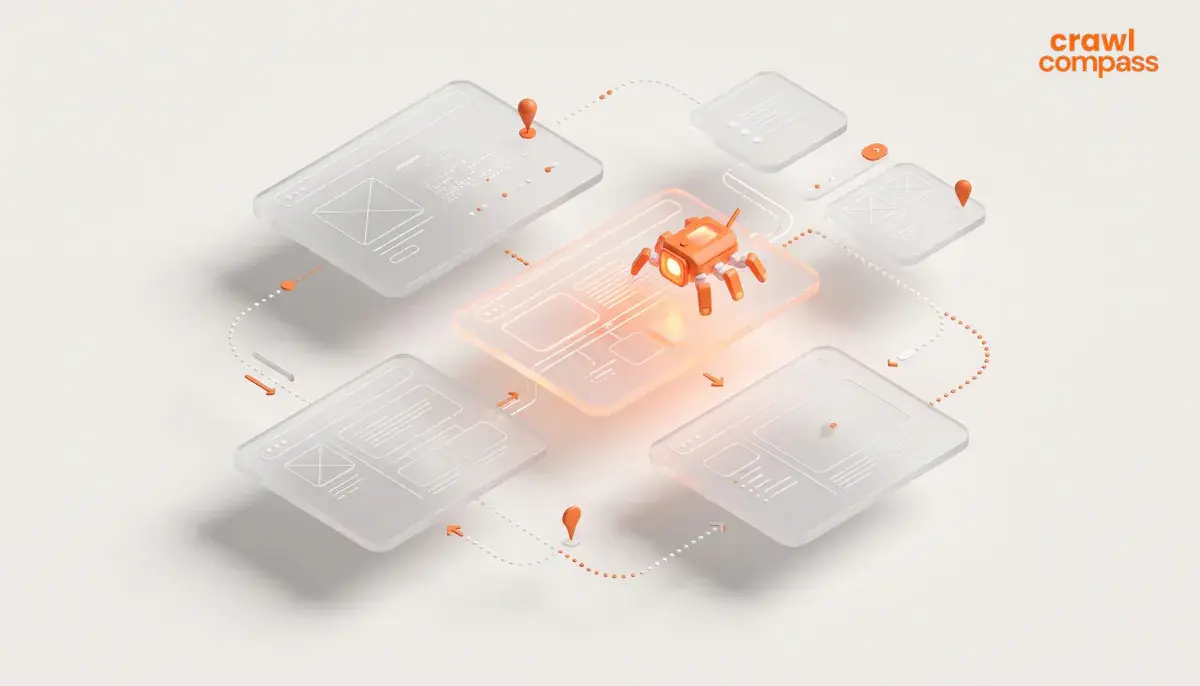
What is crawling in SEO? If you’re new to SEO, the term might sound a bit technical. To understand how it works, imagine that your website is an office building. Just like visitors need clear signs to find the receptionist, the elevators, or the restrooms, search engine bots need clear pathways to explore and understand your website.
Crawling is a process where search engine bots AKA Googlebot, spiders, or crawlers browse the internet to find and access web pages. To maximize your SEO strategy, you need to understand this process and its role.
What is Crawling in SEO?
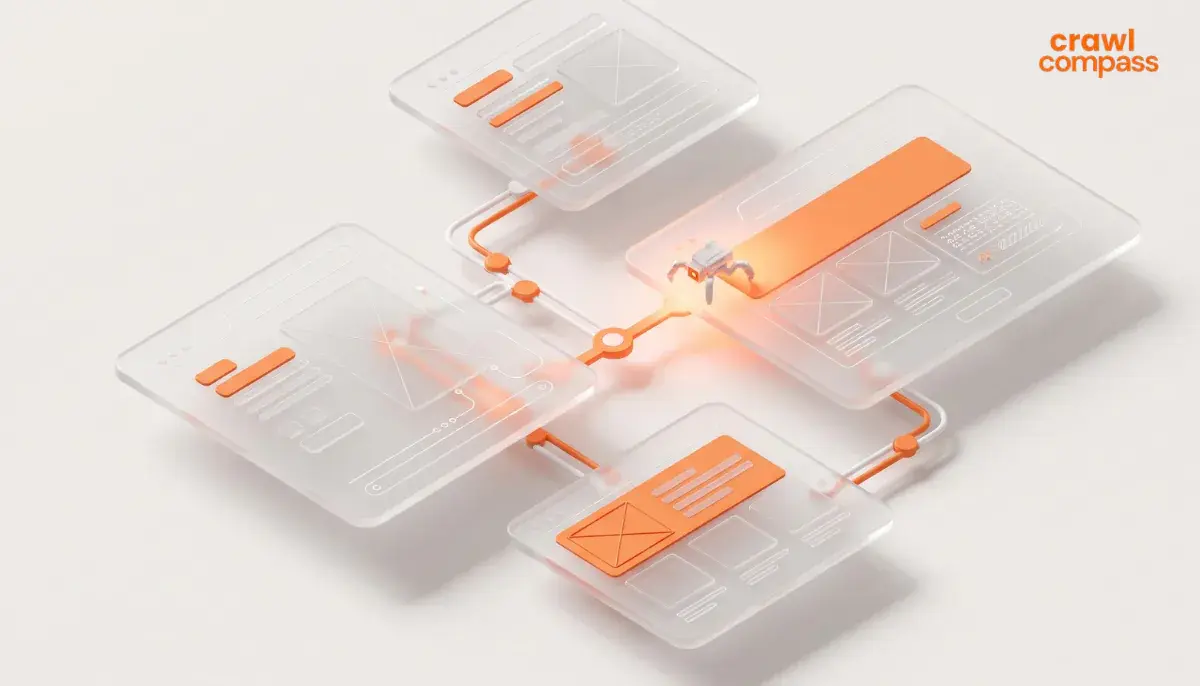
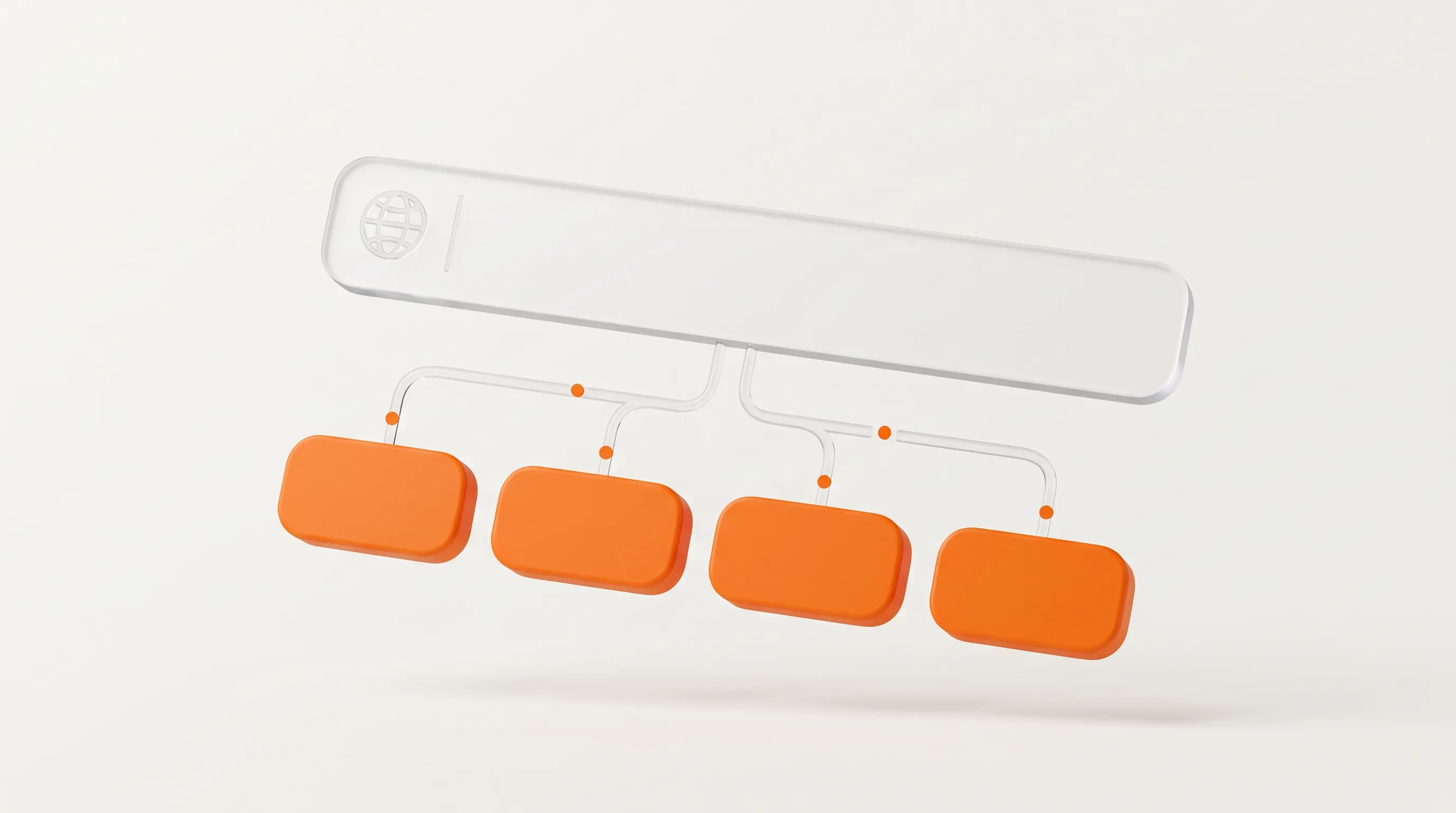
According to Google, crawling is the process of crawlers finding new web pages and identifying them. Crawlers help search engines discover these pages so they can eventually be shown on the SERP. First, the crawlers will start from a list of URLs. From there, crawlers will follow those links and go through every page inside.
As crawlers access your pages, they read your content and analyze its relevance. They will continue this process until they have thoroughly scanned your site. After that, these crawlers will queue your web pages for indexing, if your website meets Google’s quality standards.
Read Also: Types of SEO & The Right Strategy for Your Website
Importance of Crawling in SEO
Why is crawling so important for your website? Crawling is important as it allows search engines to identify your website’s content and relevance. Search engines won’t know that your website exists if your website page isn’t crawled. If that happens, your website won’t appear on the SERP which makes it harder for your audience to find your content.
According to Semrush, Googlebot regularly revisit your website for checking whether there’s an update or not. Without crawling, your new or updated page won’t appear in the search results.
How Google Crawl

According to Google, web crawling process operates through several stages as elaborated below:
1. URL Discovery
Google identifies which pages exist on the internet by searching for new and updated pages. Since there’s no central registry for URLs, they’re discovered when Google revisits known pages, extract links from existing pages, or reads submitted sitemaps.
2. Crawling Via Googlebot
Google’s crawler bot is called Googlebot. Googlebot will use an algorithmic process to decide which sites to visit, how frequent it needs to be crawled, and how many pages to fetch.
3. Load Protection & Throttling
Googlebot adjusts its crawling speed based on site response to prevent overloading servers. It will automatically slow down if Googlebot receives server error responses like HTTP 500.
4. Page Rendering
During the crawl process, Google renders pages and executes JavaScript using a recent version of Chrome. This will ensure that content dynamically loaded by JavaScript is visible to Google.
5. Access Control & Limitations
Googlebot doesn’t crawl every existing URL that it discovered. Some pages might be skipped if they require login access or are blocked by site rules in robots.txt. Server errors and network issues can also prevent crawlers from accessing a website.
How to Optimize Crawling?
You can optimize crawling, by increasing your pages crawl efficacy. According to Google, crawl efficacy focuses on how to reduce the time delay between publishing a new page or an update and the next crawler's visit. Here’s what you can do to optimize crawling on your website:
1. Maintain Server Performance
Ensure that your hosting infrastructure can handle Googlebot’s request volume without slowing down or dropping connections. Aim to keep 5xx server errors below 1% and maintain server response times under 300 ms
2. Tell Googlebot or Crawlers on What Not to Crawl
Use robots.txt disallows to stop crawlers for crawling pages. Because relying on noindex tags or canonical links still costs crawler effort. Block shopping cart flows, infinite calendar loops, API endpoints, and unnecessary scripts or files.
3. Clean Up Irrelevant Content
Clean up your website pages. Check if there are outdated, thin, or duplicate contents that will distract crawlers from high-value pages. You also need to review pages marked as “Crawled - currently not indexed” in Google Search Console, and either merge them using 301 redirects or remove them with 404 status codes.
4. Provide Signals via XML Sitemaps
You need to maintain an XML sitemap that updates dynamically with a <lastmod> date and time stamp whenever big changes occur. This explicitly tells crawlers when a recrawl is needed.
5. Strengthen Non-JavaScript Internal Linking
Since crawlers follow links to discover content, optimize mobile site navigation, breadcrumbs, quick filters, and related content links. Do ensure that internal navigation links don’t need JavaScript execution to be followed.
Debunking Myths about Crawling

There are some myths and facts that people often debate about crawling. Let’s debunk some of them with Google’s assistance as below.
Compressing sitemaps increase crawl budget
False. You won’t increase crawl budget by compressing sitemaps. Zipped sitemaps still have to be fetched from the server. You’re not saving much time or effort by sending compressed sitemaps.
Google prefers fresher or older content
False. Google doesn’t prefer fresher or older contents, it prefers high quality content. Just make your contents actually useful and valuable for the users.
Page speed affect crawling
True. If you can provide faster loading pages, it will give Googlebot more time to crawl them. Note that crawling a site involves rendering and retrieving content. Since the time that Google spent on rendering a page counts as much as requesting the page, making your page faster will definitely increase crawling speed.
Small sites aren’t crawled as often
False. If a site has important, knowledgeable, and valuable content changes often, then Google will crawl it often as well. No matter if the site is big or small.
Optimize Website Crawling with Crawl Compass
Optimizing your website for better crawling is a really important part in improving your SEO strategy. You need a technical foundation so Google can trust, crawl, and parse every page that exists on your website.
You can get all the help you need with our professional SEO services. Crawl Compass’ SEO service spans six areas, one of them is technical SEO. You can get service on crawl, indexation, schema, and site structure. Not only that, our professionals will help you fix errors, broken links, and duplicate pages. What are you waiting for? Optimize your website for better crawling with Crawl Compass. Hit us up for free consultation!