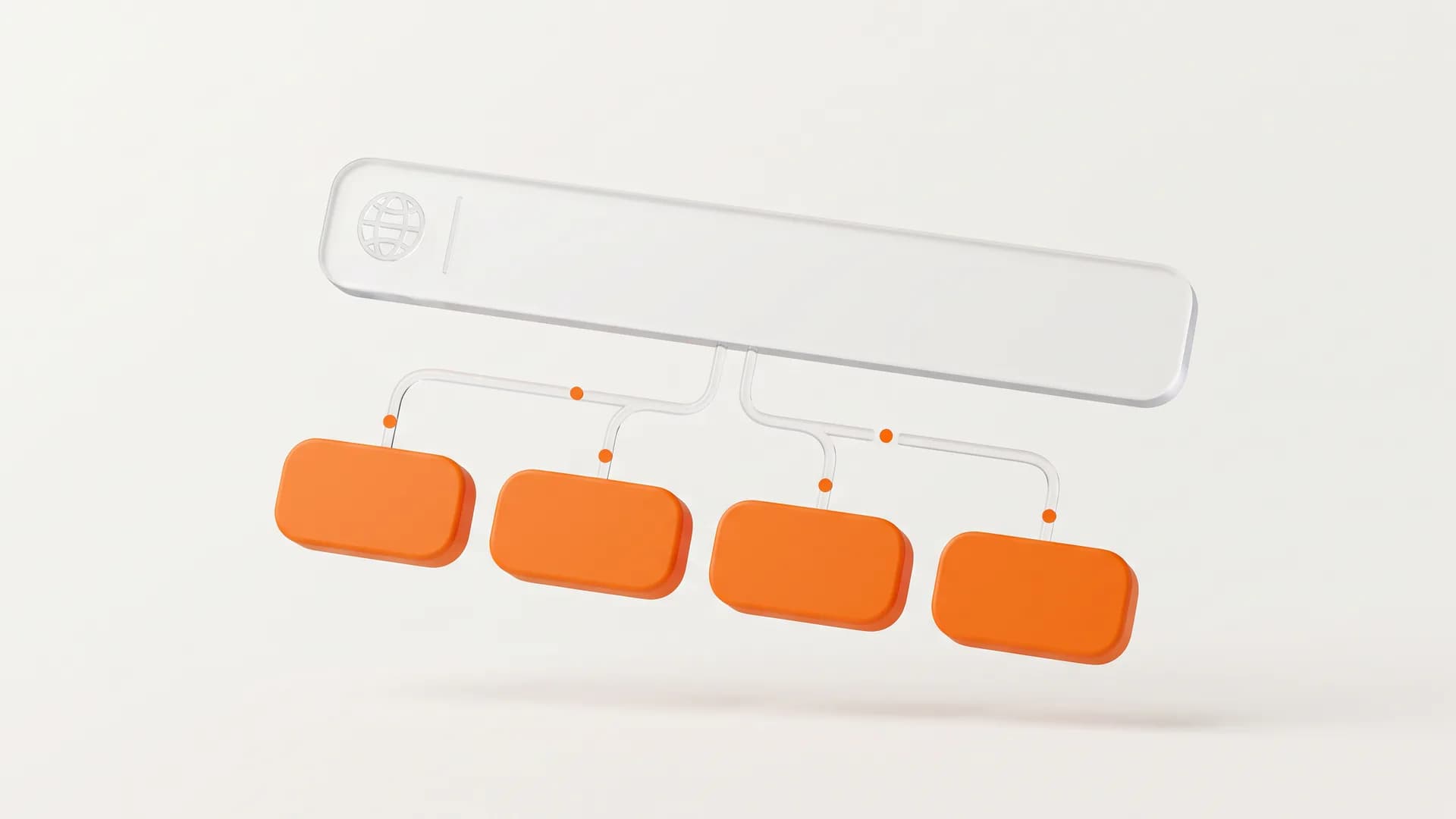
When you type a brand name or a specific website into Google, you often see a main search result followed by a list of smaller links underneath it. These extra links are known as sitelinks.
They act as shortcuts designed to help users jump straight to popular or important pages on a website without having to click the main homepage first.
Google automatically generates these links based on the structure of a website. While you cannot manually create or submit sitelinks yourself, understanding how they work helps you design a better user experience and improve your overall search presence.
What Are Sitelinks
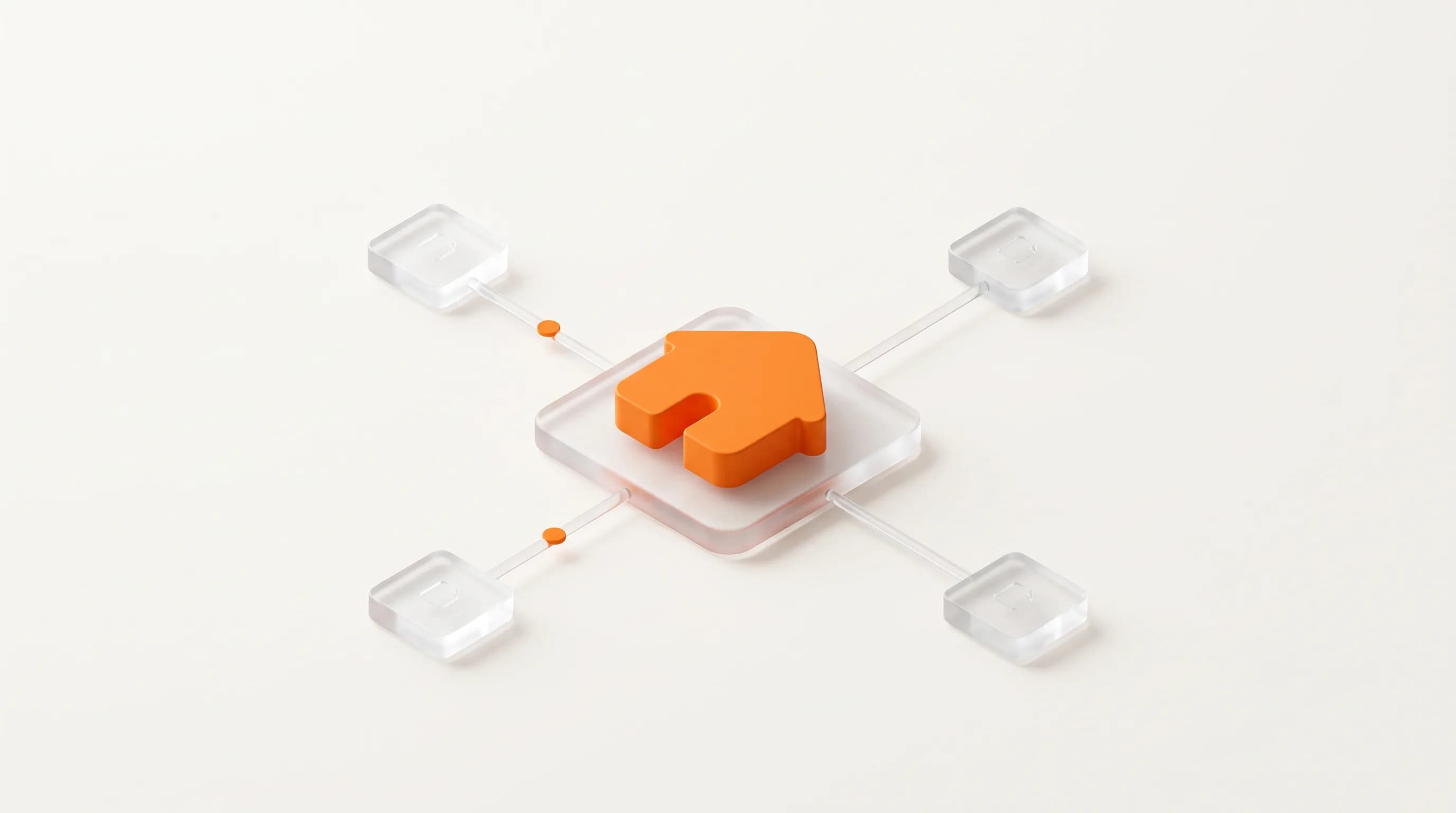
Sitelinks are additional links from the same domain that cluster together beneath a primary text search result. Google’s system analyzes the underlying link structure of your website to find useful shortcuts. The main goal is to save users time and let them quickly find the information they need.
For example, if someone searches for a fruit supply store, the main result might show the homepage, while the sitelinks underneath could point directly to categories like banana supplies, oranges, and foods.
Google only displays sitelinks when its algorithms determine they will genuinely help the user. If a website has a confusing layout, or if the search query does not match the available pages, Google simply will not show them.
Read also: What Keyword Stuffing Is and How to Avoid It
Why Sitelinks Are Crucial for SEO and Users
Sitelinks offer massive benefits for both website visitors and site owners. From a user perspective, they cut down the time it takes to navigate a website. Instead of landing on the homepage and hunting through menus, visitors can bypass those steps and land directly on the content they want.
From an SEO perspective, sitelinks take up more vertical space on the search engine results page. This larger footprint naturally draws more eyes to your listing, which can lead to higher click-through rates.
Furthermore, prominent sitelinks signal to users that a brand is established, trustworthy, and well-organized.
Beyond organic text sitelinks, Google also displays paid sitelinks through Google Ads. While paid sitelinks are manually configured by advertisers, organic sitelinks remain completely algorithmic and depend on natural site construction.
Best Practices to Improve Your Sitelinks
Since sitelinks are completely automated by Google, you cannot force them to appear. However, you can follow specific best practices to make it as easy as possible for Google’s algorithms to understand your site and surface the right shortcuts.
1. Keep Titles and Headings Informative
Make sure the text you use for your page titles and main headings is clear, informative, and compact.
Avoid vague headings like “Page One” or “Welcome.” Instead, use descriptive titles that accurately reflect what the page is about. This clarity helps search engines understand the hierarchy and purpose of each page.
2. Build a Logical Site Structure
A clean and logical site structure is essential for both human visitors and search engine crawlers. Organize your content into logical categories and subcategories.
Make sure you link to your most important pages from other relevant pages across your site. If your navigation is messy, Google will struggle to identify which pages matter most.
3. Use Concise Anchor Text for Internal Links
When linking from one page on your site to another, pay close attention to the anchor text you choose. Ensure the anchor text is concise and directly relevant to the target page.
If you link to your contact page, use anchor text like “Contact Us” rather than a generic phrase like “click here.”
4. Avoid Content Repetition
Keep your content unique and focused. Avoid publishing duplicate pages or repeating the same information across multiple URLs. When your content is distinct, search engines can easily figure out which specific page deserves to rank for a given topic.
5. Implement XML Sitemaps and Breadcrumbs
An accurate XML sitemap helps search engine crawlers discover and index every page on your site efficiently. Pair this with clear breadcrumb navigation so both search bots and site visitors understand where a specific page fits within your broader site.
Read also: Disavow Links Guide for better SEO
Technical Signal Checklist for Organic Sitelinks
To give your pages the best possible chance of generating sitelinks, ensure your technical foundation is solid. Here is a key checklist to evaluate.
- Navigation Clarity. Primary navigation menus should feature distinct, direct internal links.
- Crawl Accessibility. Make sure robots.txt does not block important pages or JavaScript files required to render menus.
- Schema Markup. Implement SiteNavigationElement structured data where appropriate to clarify your site structure.
- Internal Page Weight. Ensure top-level pages receive prominent internal links from high-authority pages like the homepage.
How to Remove Unwanted Sitelinks
Sometimes Google might display a sitelink that you would rather keep out of the search results. Because you cannot manually delete individual sitelinks through a dashboard, you have to address the underlying pages.
If a specific page should not appear as a sitelink, you can either remove the page from your website entirely or apply a noindex meta tag to that page. Once Google crawls the updated page, it will drop the URL from its sitelink inventory.
If the page must remain indexed for organic search but should not appear as a sitelink. Focus on improving internal link signals. Reducing the number of internal links pointing to that page signals to Google that it is less critical relative to your main landing pages.
Let’s Talk Strategy
If you need help with optimization or a broader SEO strategy. Crawl Compass is here to help. From technical SEO to content and on-page optimization, our SEO services are designed to help your website attract the right audience without relying on outdated tactics. Ready to improve your search visibility? Contact us today!