SEO relies on how effective it is for web crawlers and users to find your site. A lot of marketers only focusing on earning external backlinks, though it’s as important, internal linking also serves as a strong tactic to boost your website’s ranking.
A strong link structure helps search engines, like Google, index your content, distribute ranking power across your domain, and more importantly, guides users toward valuable content. Let’s break down what internal link is, why it is important, how it differs from other link types, and how you can build an effective internal linking strategy.
What is Internal Link?
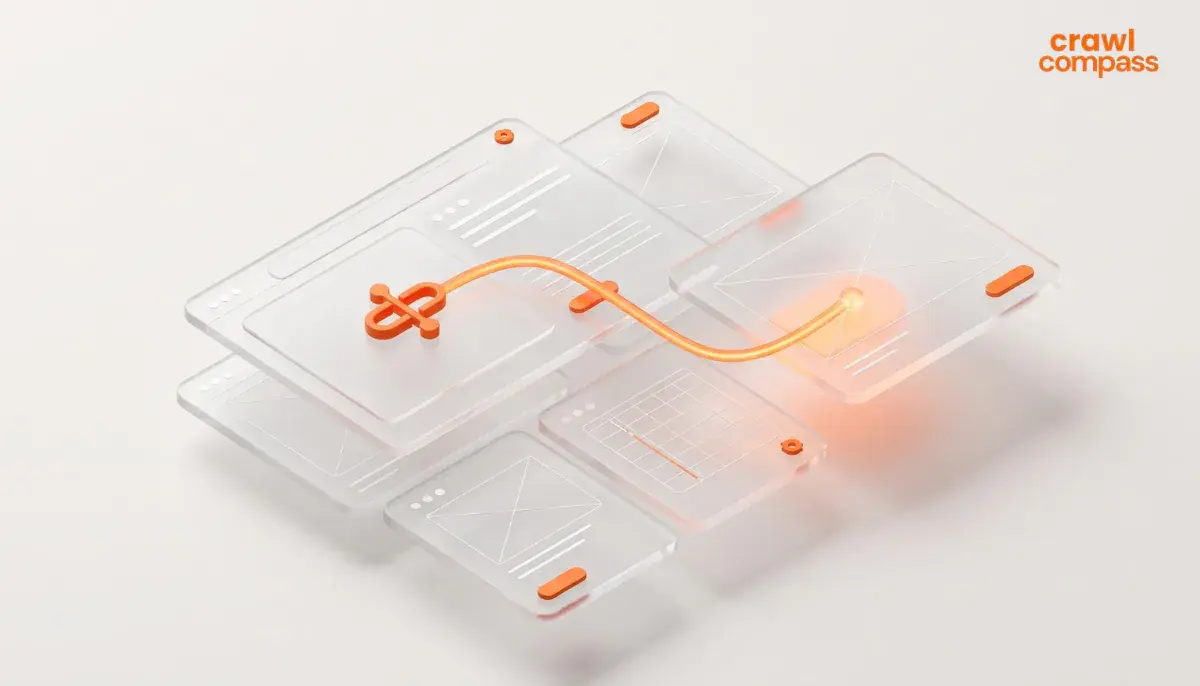
According to Moz, an internal link is a hyperlink that targets another page on the same domain as the source page where the link exists. When visitors click on an internal link on your website, they will move between different pages of your website without leaving your domain.
Search engines and visitors interact with internal links through standard HTML tags. As an example, a standard HTML internal link contains these specific elements:
<a href="https://www.example-site.com/seo-guide" title="SEO Guide">SEO Guide</a>
This HTML consists of four components:
- The anchor tag <a>
- The href attribute
- The anchor text that display the clickable text that describes the target page
- The closing tag <a>
Crawlers follow these HTML paths across your site graph to find new content, to evaluate page relevance, and to index text into search database.
Read Also: 7 Best Types of Content for Digital Brand Growth
Types of Internal Link
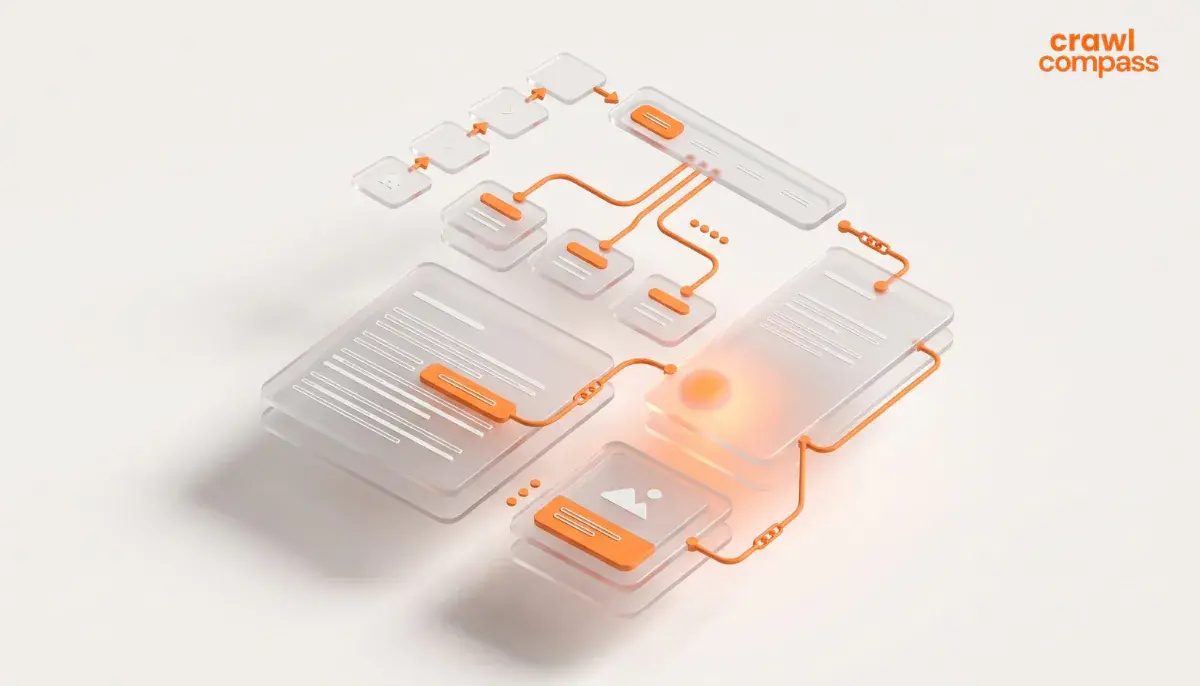
As Semrush and Yoast stated in their guides, there are two types of internal link. They are structural links and contextual links. Pay attention to the explanation below.
Structural Links
Structural link is an internal link category that maintains consistent placement across your website to provide a smooth navigation. There are types of structural links including:
Navigational Link | This link appears in your website’s main menu. Navigational link directs visitors to pages like homepage, core services, contact page, or blogs. |
Footer Link | This link is placed in the website’s footer area. Footer link leads to administrative or legal pages like privacy policies, sitemaps, and terms of services. |
Breadcrumb Link | This link shows a page’s location inside the site hierarchy on the top of content pages. |
Sidebar Link | This link is located in the sidebar for easy navigation toward highlight content, or main content category. |
Contextual Links
Contextual links are embedded in the body of your content. According to AIOSEO, contextual links are the most valuable format for SEO because they connect topically related ideas within the text, passing strong link equity and topical relevance to supporting pages.
Difference between Internal Link, External Link, and Backlink
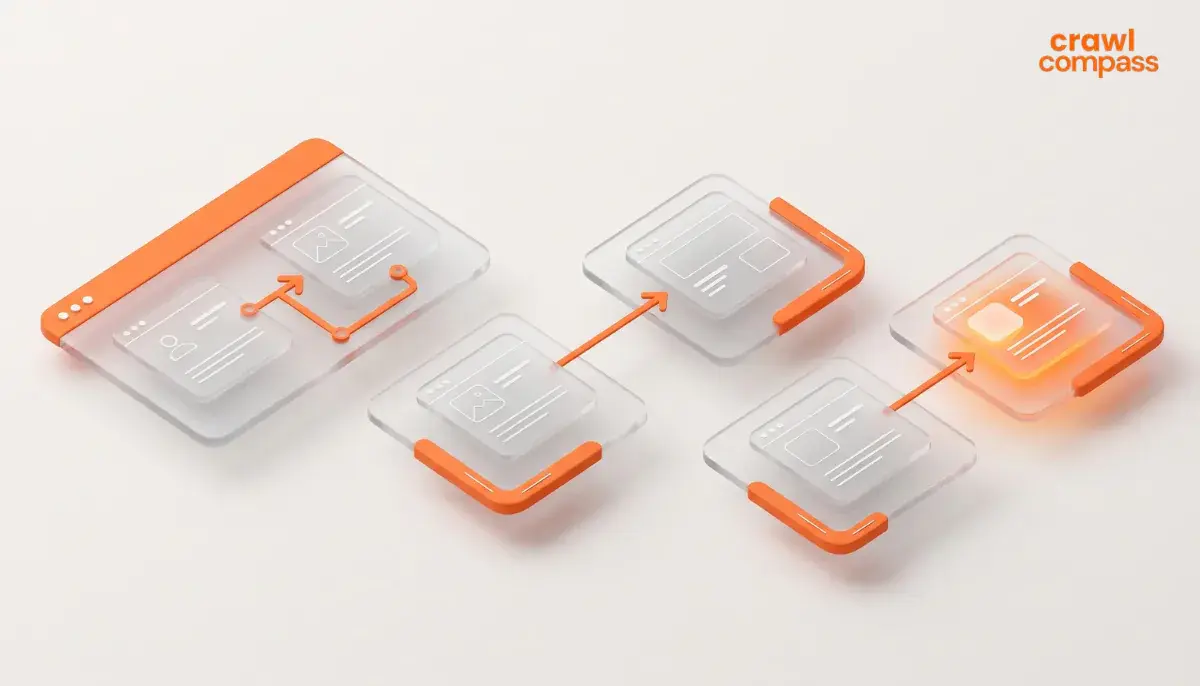
Many people often confuse internal link, external link, and backlink. As AIOSEO clarified, though these formats utilize hyperlinks, their destination and control level are different. Pay close attention to the table below.
Internal Link | External Link | Backlink | |
Source & Destination | Connect pages on the same domain | Your domain to a third-party domain | Third-party domain to your domain |
Control Level | 100% under your control | 100% under your control | Outside your control |
Purpose | Site structure, link equity flow, and navigation | Citation, user reference, and credibility | Passing domain authority and trust |
Impact on Crawlers | Directs spiders to discover and index inner pages | Signals references to external authoritative sources | Increases domain authority and search visibility |
Importance of Internal Link
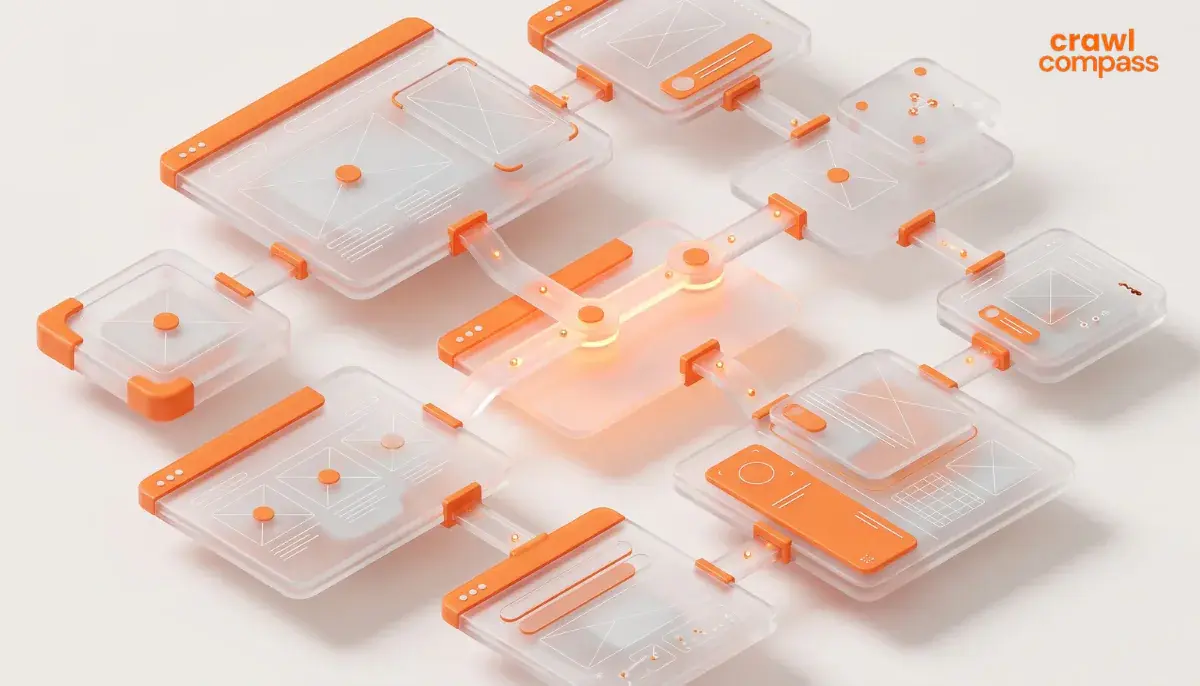
An internal link is very important for SEO. It helps search engines, users, and AI search platforms navigate your site. Implementing a good internal linking structure will improve these areas:
1. Improved Crawling and Indexing
Search engine spiders discover web pages by following links from known URLs. When you add internal links to newly created pages, crawlers will immediately find, evaluate, and index those pages. Without internal links, new pages become orphan pages.
2. Strategic Link Equity Distribution
According to Moz, internal links help spread link equity around websites. High-authority pages like your homepage accumulate significant authority. So, the contextual internal links transfer some authority from your high-authority pages to newer or lower-tier pages. This will raise overall ranking potential.
3. Clear Site Hierarchy and Topical Authority
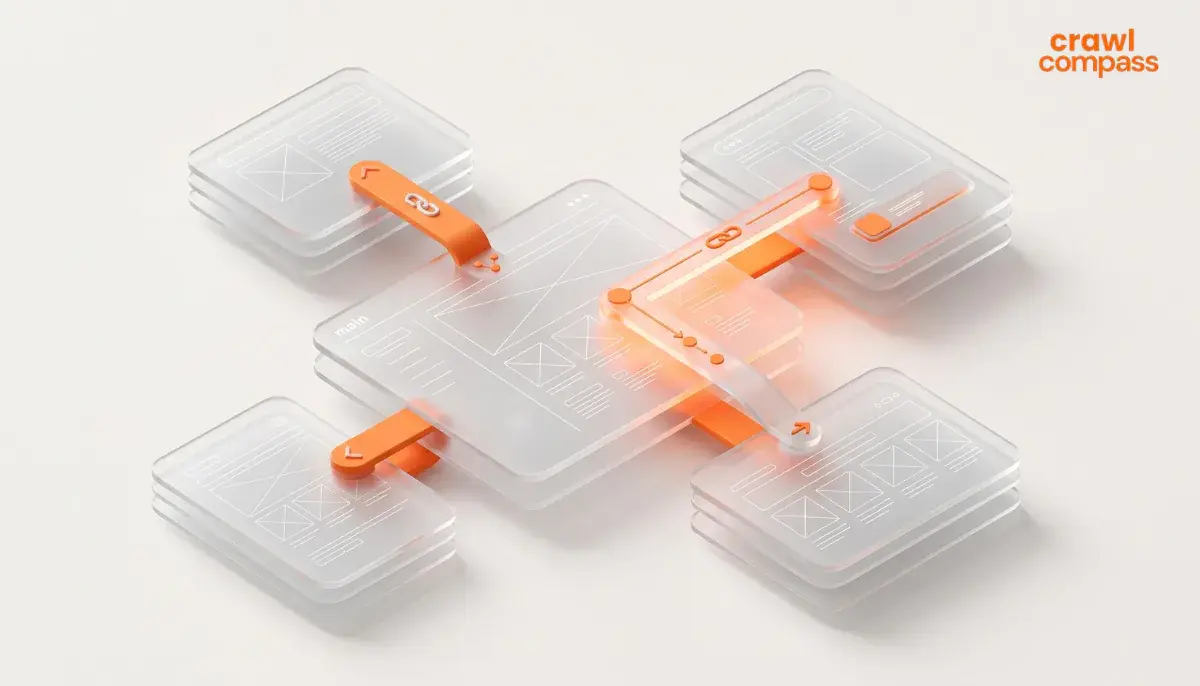
Internal linking is one of the most impactful actions you can take to guide users and search engines toward your most important pages. Linking broad category pages to granular subtopics will establish a logical pyramid site structure.
4. Enhanced User Experience and Engagement
Internal links guide users to relevant follow-up reading. Smooth navigation keeps users engaged longer, increases session duration, lowers bounce rates, and improves conversion paths.
How to Build Internal Linking Strategy
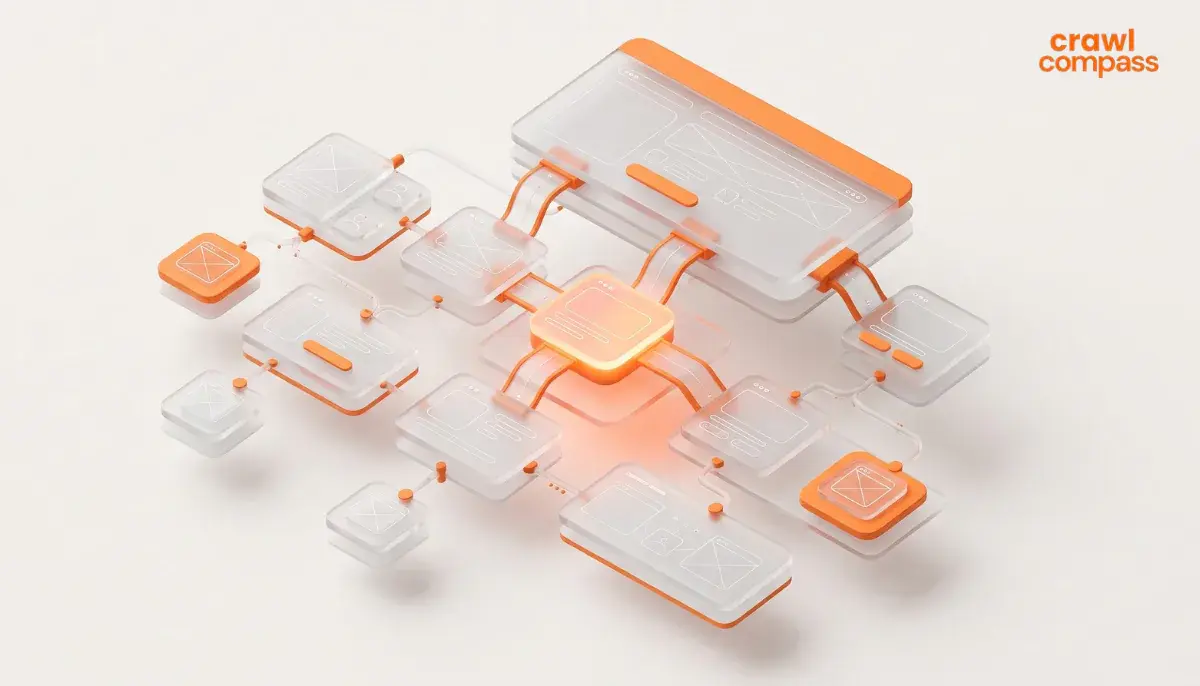
Based on Semrush’s guide, there are seven steps that you can go through to build your internal linking strategy. Learn these steps as you go.
1. Map Your Site Architecture
Organize your website resembling a pyramid based on the hierarchy. Position homepage at the top, followed by main category or pillar pages, and finally detailed cluster pages. Moz highlights that maintaining a low crawl depth allows visitor and search engine spiders to reach critical pages within three clicks from the homepage.
2. Identify High-Authority Pages
Use analytic tools or search statistics to identify your top-performing URLs with high backlink profiles or organic traffic. Insert contextual internal links from these pages to point toward newer or lower authority pages that require a ranking boost.
3. Build Structured Topic Clusters
Write comprehensive pillar content targeting high-volume terms and support it with detailed cluster posts addressing specific topics. Ensure that every cluster post links back to its main pillar and link the pillar out to its supporting cluster posts.
4. Optimize Anchor Text Selection
Choose concise and descriptive anchor text that communicates the message of the destination page. Limit anchor phrases to five words or fewer and avoid generic phrases like “click here” or “read more.” Try to incorporate natural keyword variations.
5. Maintain Followed Link Attributes
Keep internal links as standard dofollow links so equity passes freely across your site. Reserve rel=”nofollow” attributes exclusively for non-essential utility pages like login screens.
6. Keep Link Density Reasonable
You don’t want to confuse crawlers. So, try to avoid overlinking as it may dilute the value as well. Moz suggests aiming for about 3 to 5 contextual links per 1,000 words of content. Maintaining fewer than 100 to 150 total links per page.
7. Add Navigational Links
Navigational links make it easier for users and crawlers to find your site’s most important pages. Keep your navigational links as consistent as possible across pages. Keep them crawlable as well, so if you’re using JavaScript, most crawlers won’t see it at all.
Read Also: What Is Organic Traffic? Benefits & How to Increase It
Optimize Your Content with Internal Link
Internal linking is very important in On-Page SEO strategies. Structuring your website for better readability may seem like a simple step yet it has a significant impact on your SEO performance. If you need assistance with website optimization and end-to-end SEO services, the Crawl Compass team is ready to help you. Visit Crawl Compass’s SEO service page to learn more about our package options and service details. Get your free consultation now!