You have run your business for years. You have loyal customers, and your products are highly competitive. But every time a new potential customer searches on Google Maps, your competitors show up first. If their rating is significantly better than yours, people will choose them without a second thought.
The hardest part is that a stagnant rating does not mean your business is failing. It actually signals that your happy customers are not motivated to leave a review, while disappointed customers are naturally more vocal. This is exactly why improving your Google Maps rating requires a systematic approach. You cannot just sit back and hope positive reviews will come in on their own.
So, how do you boost your Google Maps rating in a safe and organic way? This guide breaks down the complete strategy to optimize your business profile, manage reviews, and calculate your exact rating targets.
Why Your Google Maps Rating Matters

Before we dive into the strategy, you need to understand the financial impact of your Google Maps rating. According to the BrightLocal Local Consumer Review Survey 2026, 92% of consumers pay attention to star ratings when choosing a business with around 31% of consumers will only trust a business with 4.5 stars or more.
This is backed by a study from Harvard Business School on Yelp reviews, which found that a one-star increase in your rating can boost business revenue by 5-9% on independent businesses. While the study is specifically on Yelp, a similar pattern likely applies to other review platforms like Google. Here’s why your rating needs attention.
1. Builds Instant Trust with Potential Customers
Positive reviews act like a personal recommendation from someone you trust. When a potential customer sees a high rating, their hesitation disappears, and they make purchasing decisions much faster. Digital trust is built through real reviews, not promotional claims. A business with authentic feedback will always look more credible than one with an empty profile.
2. Increases Visibility in Local Search Results
Google uses your rating and your total review count as major ranking factors in local search. Businesses with higher ratings tend to appear higher up in the results and get more organic clicks. This ties directly into local SEO. An active business profile with plenty of reviews gives you a competitive advantage.
3. Drives Conversions Without Extra Ad Spend
When potential customers find your business on Google Maps and see a high rating, they already trust you before they even contact you or walk through your doors. This results in a much higher conversion rate than paid traffic. Investing in your Google Maps rating pays off long-term. A single review keeps working to attract new customers without requiring any additional marketing budget.
4. Acts as a Clear Differentiator
In a crowded local market, your rating is the first thing people notice when comparing two similar businesses. A difference of just half a star is enough to shift their choice. Unlike other business advantages that require long explanations, a rating communicates your value in a single number.
How to Optimize Your Google Business Profile
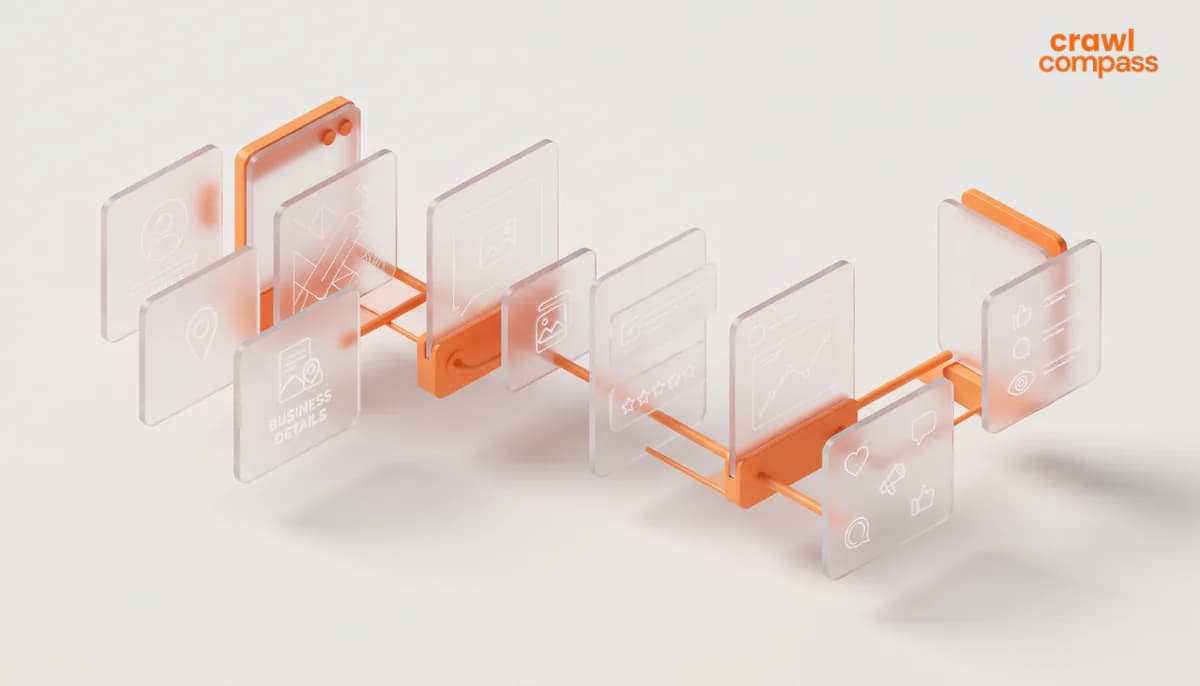
Asking for reviews without setting up a proper foundation will yield poor results. Make sure your profile is ready before executing your review strategy. Follow these steps to optimize your Google Maps presence.
1. Claim and Complete Your Profile
Start by claiming your business on Google Business Profile. Fill in every requested detail accurately. This includes your business name, address, phone number, operating hours, and primary business category. A complete profile sends strong positive signals to Google’s algorithm and helps potential customers find the information they need instantly.
2. Add Relevant Photos Regularly
High-quality photos make your business look professional and inviting. Upload photos of your interior, exterior, products, or team at least twice a week to keep your profile active. Profiles with plenty of photos receive significantly more clicks and direction requests. This small habit has a major impact on incoming foot traffic.
3. Keep Operating Hours Accurate
Incorrect operating hours trigger negative reviews faster than almost anything else. Customers who show up to a closed store will be frustrated, and they will not hesitate to write a bad review about it. Update your hours whenever there is a change, especially during public holidays. Consistency builds lasting customer trust.
4. Use the Google Posts Feature
Google Business Profile has a posting feature similar to a social media feed. Use it to announce promotions, new products, or business updates. An active profile shows customers that your business is thriving. It also increases user engagement, which indirectly boosts your local search rankings.
How to Boost Your Google Maps Rating Organically
An effective strategy is not just about collecting a high volume of reviews. The quality of those reviews and how you earn them matter just as much. Here are the most effective ways to improve your rating.
1. Deliver 5-Star Service
No marketing trick can replace genuine service quality. Customers who are truly satisfied will gladly leave positive reviews without being begged. Evaluate your customer journey from the moment they walk in until after the transaction is complete. Exceptional experiences consistently drive organic 5-star ratings.
2. Ask for Reviews at the Right Moment
The best time to ask for a review is soon after the visit, while the experience is still fresh. Do not wait too long, because that warm moment fades quickly. Keep your request natural and never pushy. A simple sentence like "Your feedback really helps our business grow" is highly effective.
3. Make the Process Frictionless
Create a QR code that links directly to your Google Maps review page. This method is incredibly effective because customers can scan it and leave a rating in seconds. Place the QR code at your checkout counter, on receipts, or on product packaging. The easier you make the process, the more likely they are to follow through.
4. Follow Up via WhatsApp or Email
If you collect customer contact data, send a personalized message one to three days after their visit. Ask about their experience first and send them the link to leave a review. A personal approach works much better than a robotic mass message. Customers appreciate genuine care.
How to Handle Negative Customer Reviews
Negative reviews are not always a disaster. How you respond to them actually builds trust with other potential customers reading along. Here is how to handle bad feedback professionally.
1. Respond Quickly and Professionally
Reply to negative reviews within 24 to 48 hours. Start by thanking them for the feedback, acknowledge their frustration, and offer a concrete solution. An empathetic, non-defensive response proves that your business cares about its customers. This greatly increases trust among people who are currently comparing you to competitors.
2. Report Suspicious Reviews
If a review is factually wrong or clearly fake, use Google’s "Report review" option. Provide a clear reason so your report is processed quickly. While it takes time, Google usually removes reviews that violate their policies. Monitor your profile regularly to catch fake reviews early.
3. Use Negative Reviews to Improve
Every negative review holds valuable data. Unhappy customers often highlight operational blind spots your internal team missed. Track recurring complaints and use them to improve your business. A company that learns from criticism rarely gets the same bad review twice.
How to Calculate Exactly How Many Reviews You Need
Boosting your Google Maps rating is much easier when you have a clear, measurable goal. You can use a straightforward calculation to create a realistic plan. Here is the formula to calculate your target.
The Formula:
New Rating = (Current Reviews x Current Rating + 5 x Additional Reviews) ÷ (Current Reviews + Additional Reviews)
Formula for the number of additional 5-star reviews (a):
a = Current Reviews x (Target Rating - Current Rating) ÷ (5 - Target Rating)
Step-by-Step Example:
Let's say you have 100 reviews with an average rating of 4.6. You want to reach a 4.8.
a = 100 x (4.8 - 4.6) ÷ (5 - 4.8)
a = 100 x 0.2 ÷ 0.2
a = 100
Based on this example, you need at least 100 new, consecutive 5-star reviews to reach a 4.8 rating. This amount is for every 5 stars, if you receive a lower rating that means you’ll need more.
For a note, Google rounds to one decimal. To display the 4.8 rating you actually just need to reach about 4.75. In this example,
a = 100 x (4.75 - 4.6) ÷ (5 - 4.75) = 60 reviews.
So, 100 is the safe amount, and the minimum to show a 4.8 rating is getting 60 5 stars reviews.
A Stagnant Rating Needs a Strategy
Improving your Google Maps rating is not complicated. The secret is finding the right balance between great service, consistent review requests, and active profile management. You can start applying every step in this article today.
Results take time, but with a structured approach, your rating will steadily climb. If you want to accelerate this process strategically, Crawl Compass is ready to help. Our Local SEO Services are designed specifically to boost your business visibility in local search, especially on Google Maps.
From optimizing your Google Business Profile to executing a local content strategy and growing positive reviews organically, we provide the expert guidance you need. Do not let your competitors win just because they took action first. Contact us today for a consultation.