When Google rolled out Bard back in February 2023, the goal was pretty clear: they needed a direct answer to ChatGPT. The tool promised a lot of cool perks right out of the gate, like snapping back fast answers to tough problems, helping out with draft writing, and pulling live info straight from the web.
What Is Google Bard?
Once Google upgraded the backend to PaLM 2 (Pathways Language Model 2), Bard got a massive power boost. Suddenly, it could handle over a hundred languages, reason through tricky logic, and even debug code.
It also plugged right into Workspace apps, marking a massive milestone in Google's overall AI strategy.
How Did Bard Work?
Bard generated responses by analyzing the most relevant topics of articles based on your details. Unlike a search engine that turns results into layers of links, Bard synthesized information into a conversational response and provided real-time web access. This gives it a friendlier tone with no visual representation of a fixed training dataset.
1. LaMDA (Language Model for Dialogue Applications)
Google first introduced us to LaMDA back at Google I/O 2021. Built specifically to handle open-ended chit-chat, this model was a game-changer because it actually remembered the context of a conversation. Instead of getting confused, it could smoothly answer a string of layered follow-up questions just like a human would.
2. PaLM 2 (Pathways Language Model 2)
When Google upgraded Bard to PaLM 2, the chatbot got a serious power boost. Suddenly, it wasn't just answering basic prompts. It was handling over 100 languages, solving complex logic puzzles, and even debugging code. On top of that, Google plugged it directly into Workspace tools, making it the true backbone of their massive AI rollout.
Read also: What Is SEO? Definition, How It Works, and Its Benefits
Core Functions and Capabilities of Google Bard
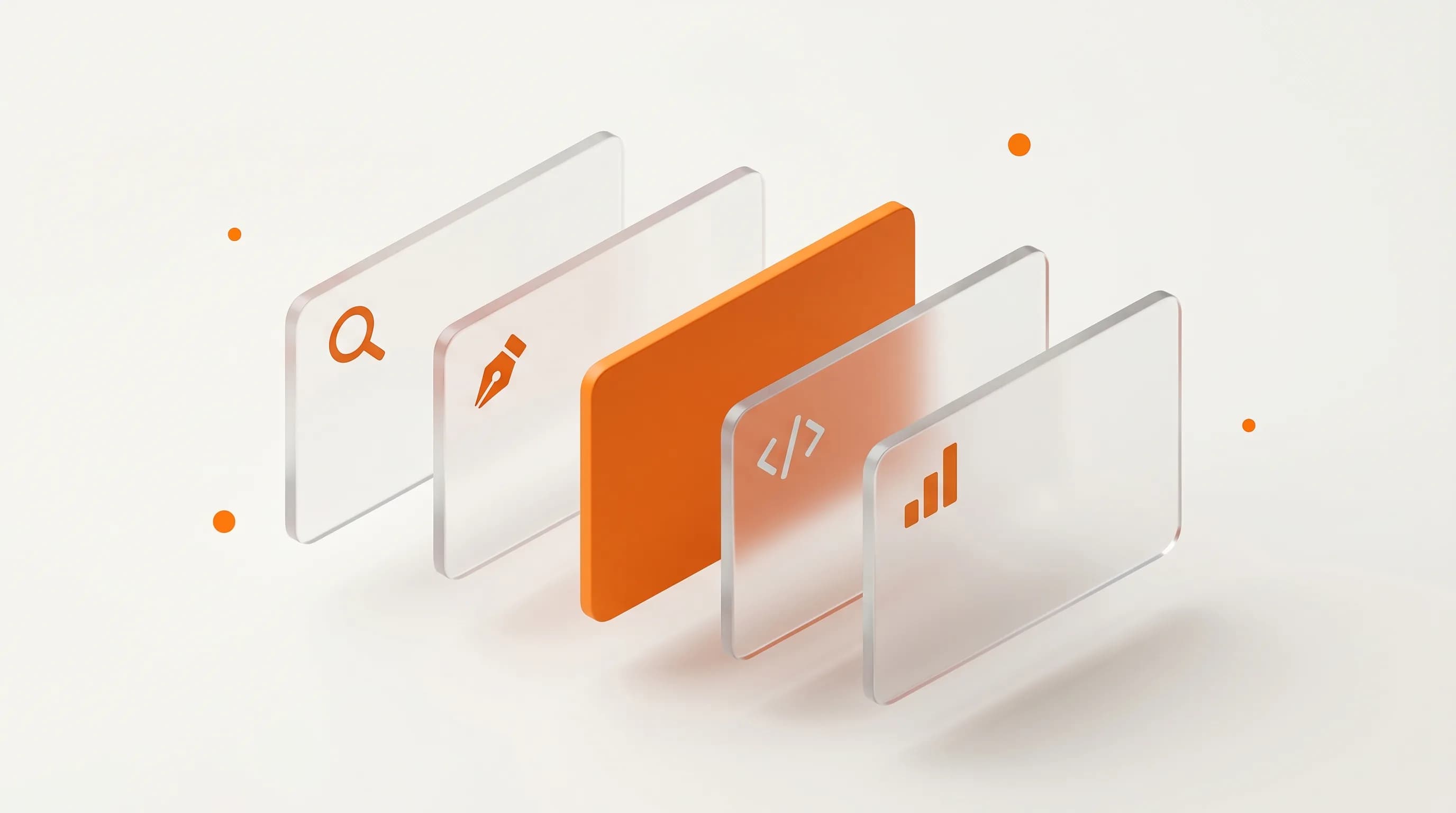
Google built Bard to handle a lot more heavy lifting than your average search box. Instead of just spitting out basic facts, it actually excelled at solving complex everyday problems. Looking back, there were four main areas where the tool really stood out for users.
1. Real-Time Answers and Deep Research
Bard easily tackled everything from quick lookups to massive, multi-part questions. The biggest win here was its live web access. Instead of hitting a brick wall due to a fixed training data cutoff, it pulled fresh information straight from the internet. This meant users got instant access to breaking news, live market prices, and the latest research papers.
2. Supercharging Work Productivity
If you had to deal with repetitive writing tasks, Bard was an absolute lifesaver. You could offload draining work like drafting emails, summarizing long documents, creating meeting agendas, or writing up full reports. Because it plugged directly into Google Workspace, you could do all of this right inside Gmail and Google Docs without constantly switching tabs.
3. Serving as a Creative Brainstorming Partner
For content creators and marketers, Bard acted like an assistant that never ran out of ideas. It was great for generating fresh content angles, writing catchy social media captions, or knocking out product descriptions. It also featured a "multiple drafts" toggle, which allowed you to compare three completely different creative directions at the exact same time.
4. Simplifying Data and Calculations
You did not need to be a math genius to make sense of numbers with Bard. It easily managed everyday data tasks like interpreting messy spreadsheet rows, explaining complex statistics, and writing out functional Google Sheets formulas. While it certainly did not replace high-end data software, it made basic data analysis accessible to regular users through simple, casual conversation.
Key Features of Google Bard
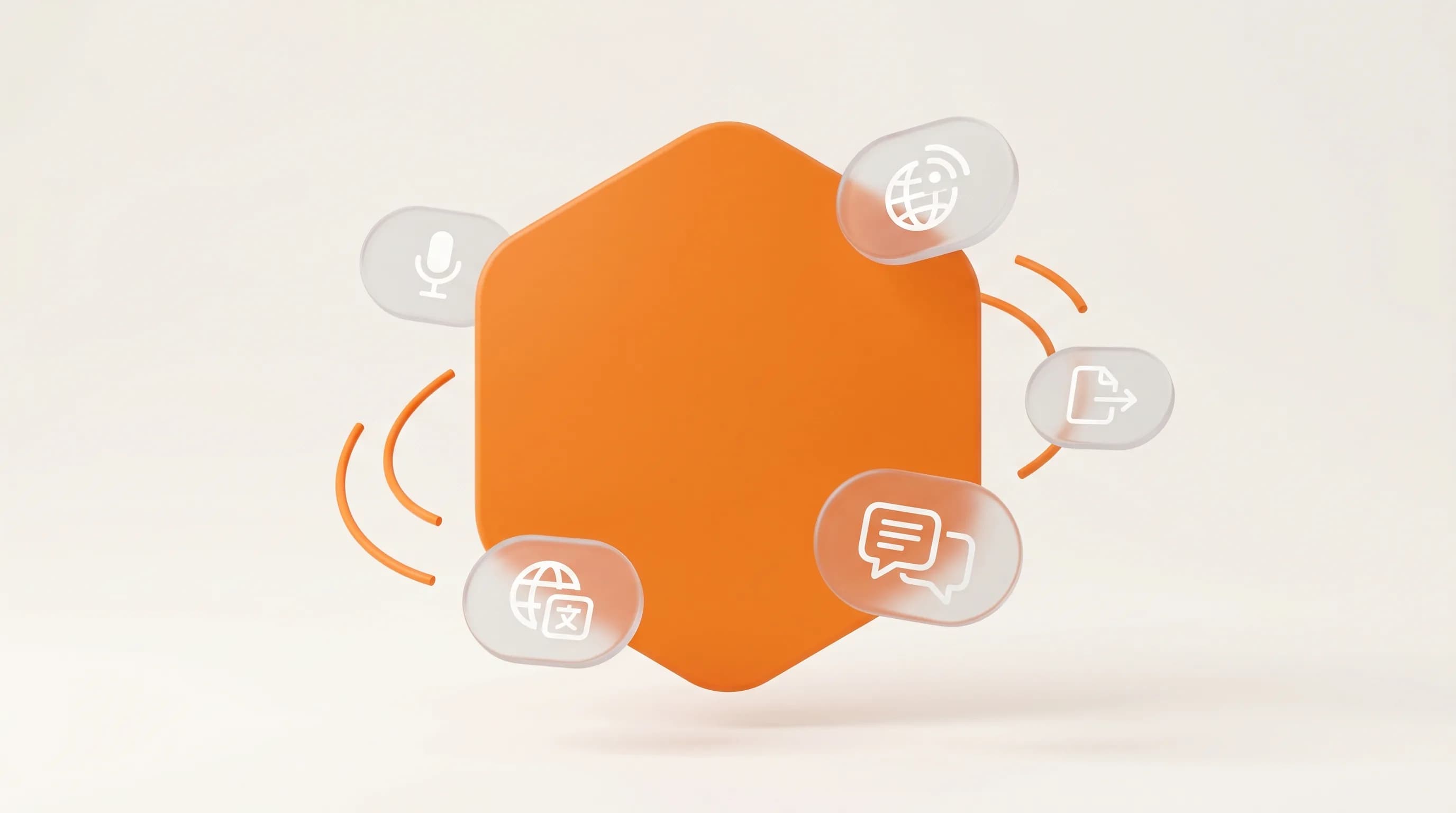
A few standout features really set Bard apart from other AI tools on the market back then. Here is a look at what you could actually do with it.
1. Multiple Drafts
Instead of making you wait, Bard generated up to three different versions of a response all at once. You just had to click "View other drafts" to compare your options without typing a new prompt. This single feature made Bard feel a lot more flexible than a standard, rigid chatbot.
2. Real-Time Data
Bard was hooked up to the live internet right from day one. That meant it could easily chat about today's breaking news, current stock prices, weekend sports results, or freshly published blogs. While early versions of ChatGPT were stuck behind a strict knowledge cutoff, Bard had no such limits.
3. Integration with Google Apps
Bard connected directly with the tools you likely use every day, like Gmail, Google Docs, Drive, Maps, and YouTube. You could ask it to dig up a file in your Drive, summarize a messy thread of recent emails, or map out driving directions. It quickly became a central hub for the whole Google ecosystem rather than just a standalone webpage.
4. Voice Input and Text-to-Speech
If you did not feel like typing, you could just hit the microphone icon and talk to Bard hands-free. It could also read its answers back to you out loud. This text-to-speech function was a massive win for accessibility and for anyone who preferred listening over reading.
5. Coding and Debugging
Thanks to the PaLM 2 upgrade, Bard understood over 20 programming languages, including heavy hitters like Python and JavaScript, alongside older languages like Prolog and Fortran. It could write code from scratch, explain confusing scripts, spot bugs, and suggest fixes. Plus, a built-in "Run code" button let developers execute Python scripts right inside the chat window.
6. Multilingual Support
The jump to PaLM 2 also unlocked massive global access. Bard expanded its interface to support more than 40 languages, and it could read and generate text across over 100 languages. This instantly made it one of the most accessible AI tools for non-English speakers worldwide.
7. Multiple Response Modes
Bard made it incredibly easy to tweak the length and tone of an answer mid-session. With a quick click, you could ask for a shorter summary, a deep-dive breakdown, or switch the voice from formal to casual. That adaptability made it just as useful for quick lookups as it was for intensive research.
A Quick Comparison: Google Bard vs. ChatGPT
Feature | Google Bard | ChatGPT |
|---|---|---|
Developer | Google AI | OpenAI |
Language model | LaMDA, PaLM 2 | GPT-3.5 and GPT-4 |
Data source | Real-time internet access | Training data with a knowledge cutoff (GPT-4o) |
Cost | Completely free | Free basic tier / Paid premium tier |
Integration | Full Google Ecosystem | Various platforms and plugins |
Biggest Strengths | Current info & Google tools | Deep creativity & conversational nuance |
Global Availability | 230 countries and territories | Over 180 countries |
When Should You Choose Google Bard or ChatGPT?
Go with Bard (now Gemini) if:
You are already heavily invested in the Google ecosystem. It is the obvious choice if you want an AI helper working directly inside your Gmail, Docs, or Drive. It also takes the crown for daily research tasks where having fresh, real-time data is a non-negotiable requirement.
Go with ChatGPT if:
Your main focus is nuanced creative writing, complex multi-step reasoning, or using specific third-party apps outside of Google's universe. Paid tiers like ChatGPT Plus generally handled complex analytical workflows and coding logic with a bit more sophistication during that era.
Strengths and Weaknesses of Google Bard
No tool is perfect. Bard had a lot going for it, but it definitely had some rough edges. Here is an honest look at both sides of the coin.
The Good Stuff (Strengths)
- Live Web Access: It pulled fresh answers directly from the live web instead of relying on stale training data.
- Deep Google Ties: It worked seamlessly with Gmail, Docs, Drive, Maps, and YouTube.
- Instant Alternatives: The multiple drafts feature let you see different response angles immediately.
- Global Language Skills: It communicated effectively across 100+ languages after its major update.
- No Paywalls: All of its core features were completely free to use.
The Flaws (Weaknesses)
- Hallucination Issues: Just like other AI models, Bard would sometimes confidently state factually incorrect things.
- Flatter Creative Writing: When it came to highly stylized storytelling or creative copywriting, ChatGPT usually outperformed it.
- A Rocky Start: Bard’s very first public demo included a famous factual error, which hurt Google's credibility early on.
- No Long-Term Memory: Early versions forgot past conversations the moment you closed the tab, forcing you to restart your context from scratch every session.
How to Use Google Bard for Beginners
Since Google relaunched Bard as Gemini, getting started takes less than five minutes. Here is exactly how to set up your account and start prompting today.
1. Open the Gemini Platform
Head over to gemini.google.com in your web browser. If you prefer using your phone, you can grab the official Gemini app on Android or iOS. The dashboard is clean and simple, featuring a prominent text input bar right in the center of your screen.
2. Log In with Your Google Account
Hit the "Sign in" button and log in using your everyday Google credentials. If you do not have an account yet, you can set up a free one at accounts.google.com. Signing in is a crucial step because it automatically unlocks your access to Gmail, Docs, and Drive integrations.
3. Agree to the Terms of Use
During your very first login, Google will present its Terms of Service and Privacy Policy. Take a quick moment to read the section explaining how human reviewers might look at your chats to train the AI model. Once you are comfortable, accept the terms to move forward.
4. Enter a Clear Prompt
Type your first question or command into the input bar and press enter. To get the best results, you want to be as specific as possible. Instead of typing a vague prompt like "write an email," try something descriptive like: "Write a professional follow-up email to a client who hasn't replied in two weeks. Keep the tone friendly but firm."
5. Explore Features and Follow-up Prompts
Once the AI spits out an answer, click on "View other drafts" to see alternative options. You can easily ask the tool to shorten the text, tweak the tone, or keep chatting to refine the output. Don't forget to use the side panel to toggle on extensions for Google Maps, YouTube, and Workspace.
Who Is Google Bard Actually For?

Because the platform is incredibly flexible, almost anyone can find a practical use case for it. However, a few specific groups stand to gain the most value from adding it to their workflow.
1. For Everyday Individuals
It acts as a highly capable personal assistant for regular daily tasks. You can use it to map out detailed travel itineraries, draft personal notes, look up complex information, or learn the basics of a new hobby. Because it is completely free and ties into your existing Google account, it feels like a natural extension of the apps you already open every day.
2. For Business Owners and Content Creators
Entrepreneurs can leverage the tool to unlock massive productivity gains. It is excellent for drafting marketing copy, brainstorming fresh social media concepts, summarizing long industry reports, and taking care of boring writing tasks. Having AI capabilities living directly inside your core business tools means you save hours of switching back and forth between tabs.
3. For Academics and Students
Students can use the platform to break down incredibly complex topics into simple, understandable language. It is a fantastic tool for brainstorming essay arguments or summarizing long research papers. Thanks to live web access, finding recent studies is a breeze. Just remember to double-check the facts against primary sources before adding them to your bibliography.
Read also: What Is Metadata? Definition, Types, Functions, and Examples
Google Bard and the Future of Digital Work
The transition from Bard to Gemini was far more than a simple marketing makeover. It signaled Google's long-term vision to weave artificial intelligence into the very fabric of how we work, communicate, and browse the web. Today, Gemini powers AI Overviews directly inside search results, sits inside your Workspace apps, and runs natively on Android devices. AI is no longer a destination you visit; it is everywhere.
For modern businesses, this shift changes the rules of the internet. AI-generated answers now sit directly at the top of Google search results, pushing traditional organic links further down the page. Learning how these AI engines think is no longer just for tech enthusiasts. It is an absolute requirement for anyone who relies on website traffic to survive and grow.
Understanding how a tool like Google Bard works is a great first step. However, ensuring your business actually shows up when users search Google or ask Gemini a question is a completely different challenge. Navigating this shifting landscape requires a smart, sustainable SEO strategy rather than just chasing the latest tech trends.
Crawl Compass is a Jakarta-based SEO agency dedicated to helping businesses stay visible on both traditional Google search and modern AI platforms. From tailored content strategy and high-authority link building to cutting-edge AI SEO optimization, we build solutions around your unique business goals.
Ready to future-proof your digital presence? Book your Free consultation with Crawl Compass today.