
You have probably heard the word "metadata" thrown around in conversations about SEO, data privacy, or file management. Yet, most people never really stop to ask what it actually means or why it matters so much in our digital world.
To put it simply, metadata is just data that describes other data. Think about it this way: when you take a photo on your smartphone, the actual image is the core data. The exact date you snapped it, the camera settings, and the GPS coordinates of where you were standing? That is all metadata.
What Is Metadata?

The word itself is a bit of a mashup. It combines the Greek word "meta," which means "about" or "beyond," with our modern word "data," meaning raw facts. Put them together, and you get a very literal definition: data about data.
On a technical level, metadata acts as structured information that describes, explains, and locates files. It makes retrieving and managing information a breeze. It does not actually contain the main content itself. Instead, it provides the essential context a computer system needs to organize, understand, and process that content efficiently.
The Filing Cabinet Analogy
An easy way to visualize this is to picture an old-school filing cabinet. The individual documents stuffed inside the folders are your actual data. The label on the outside of the drawer, the one that tells you exactly what is inside, when it was filed, and who has permission to open it, is your metadata. Without those labels, finding anything in a massive digital library would be completely impossible.
Read also: What Are SEO Friendly Articles and How to Write Them?
Why Does Metadata Matter?

Metadata is far from just a boring, background technical detail. It actually provides massive, practical value for businesses, digital marketers, developers, and everyday users. Here are four critical reasons why it deserves your attention.
1. Effortless File and Document Management
When a company deals with thousands of digital assets, metadata is the magic ingredient that makes searching, sorting, and retrieving files incredibly fast. Instead of manually clicking open every single document to see what it is, your team can instantly filter results by author, creation date, file type, or specific tags. That alone saves hours of frustrating search time and cuts down on human error.
2. Stronger Marketing Campaigns
Smart marketers rely heavily on metadata to keep track of how their content performs across different channels. By embedding tags, categories, and specific campaign attributes into digital assets, teams can easily monitor which pieces of content are being used, when they went live, and who is viewing them. Having this data on hand makes it much easier to plan your next big campaign strategy.
3. Bulletproof Data Security and Compliance
Metadata leaves a clear digital footprint of who accessed a file, when it was last modified, and whether it was shared outside the company network. This audit trail is absolutely vital for staying compliant with strict data privacy laws like GDPR or Indonesia's UU PDP. It also acts as an early warning system, helping security teams spot unauthorized access or accidental data leaks before they turn into full-blown crises.
4. Driving Higher SEO Performance
Search engines like Google completely depend on metadata to figure out what a web page is actually about. Elements like your title tags, meta descriptions, image alt text, and structured data act as a direct roadmap for search crawlers. Writing clear, optimized metadata tells Google exactly where your content fits, which directly increases your chances of ranking for the right keywords.
Types of Metadata

Not all metadata serves the same purpose. It actually breaks down into three main categories, and each plays a completely different role in how data is managed, organized, and found.
1. Descriptive Metadata
Descriptive metadata identifies and explains a resource so users can easily find and understand it. Common examples include a document's title, author, subject, keywords, and a quick summary. If you are focused on SEO and content discoverability, this is the most important type to get right.
2. Structural Metadata
Structural metadata outlines exactly how a resource is organized and how its different parts connect. For instance, in a digital book, it maps out the order of chapters and ensures pages flow in the correct sequence. It is incredibly important for running digital libraries, formatting ebooks, and managing complex multimedia files.
3. Administrative Metadata
Administrative metadata provides the essential background details needed to manage a resource over time. It tracks when a file was created, its format, who owns it, and any copyright restrictions. This category also covers technical specifications like image resolution, encoding formats, and file size.
Examples of Metadata in Digital Formats
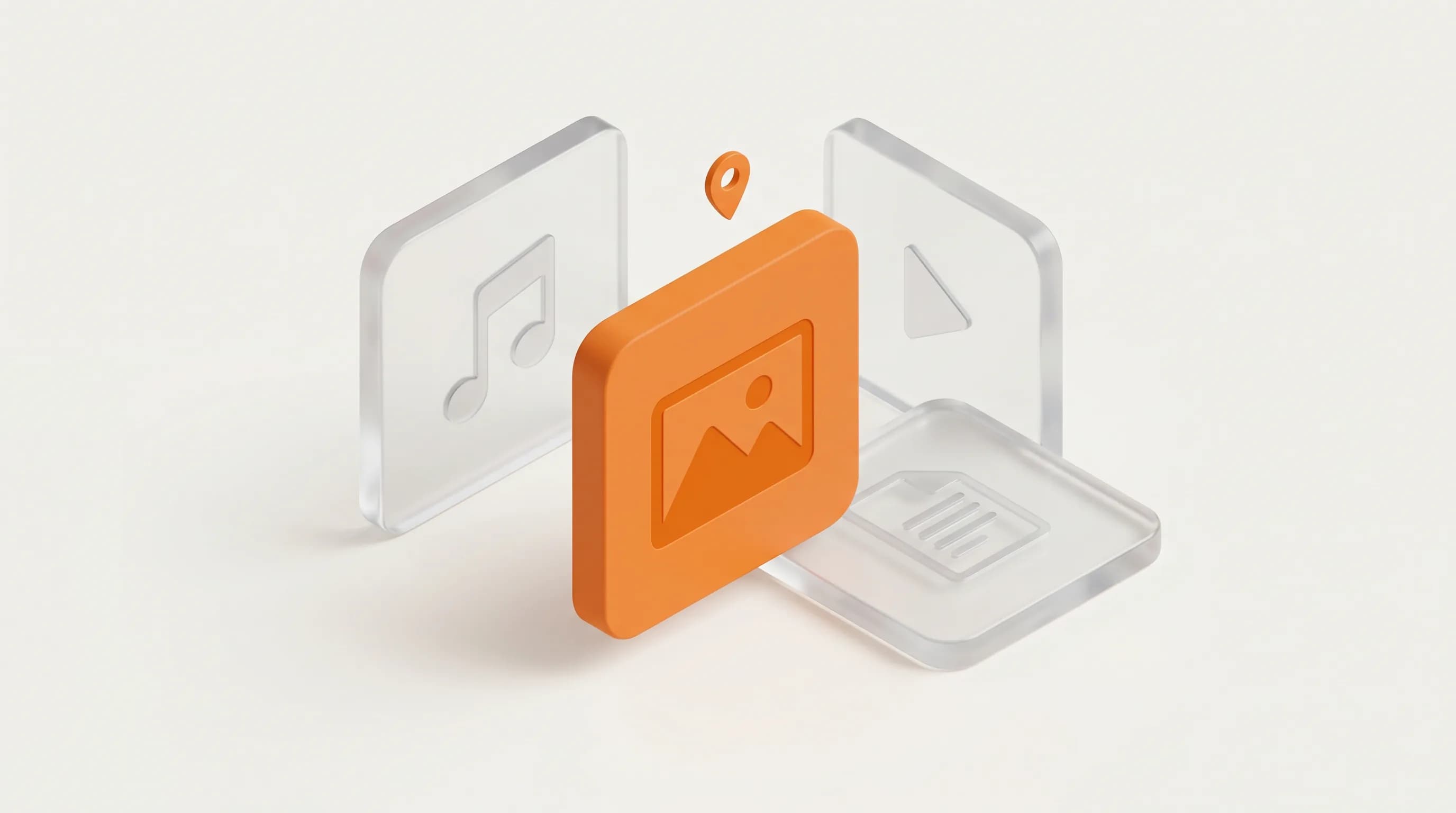
Metadata is embedded in virtually every single digital file you interact with on a daily basis. Here is a breakdown of what it looks like across the most common formats.
1. Metadata in Image Files
Digital images store their background details in a format called EXIF (Exchangeable Image File Format). This data logs the exact camera make and model, shutter speed, aperture, ISO, and the precise time the shot was taken. It is also the reason why photos snapped on your smartphone can automatically pin themselves to a map using GPS location data.
2. Metadata in Documents (HTML, Word, PDF)
- HTML Files: Web developers use meta tags in the header code to specify the page title, description, author, and target keywords. Search engine crawlers read this section first to understand a website.
- Word Documents: These files automatically save the author's name, full revision history, word count, and creation date. If you aren't careful, sharing raw Word files publicly can accidentally leak sensitive internal company edits.
- PDF Files: These contain similar property fields, including the title, subject, author, and the specific software used to compile the document.
3. Metadata in Music and Video Files
Audio files rely on ID3 tags to store the song title, artist name, album, genre, track number, and cover art. Meanwhile, video files keep track of video codecs, resolutions, frame rates, and durations. Streaming giants like Spotify and Netflix use this data to organize their massive catalogs and serve up personalized recommendations.
4. Metadata in Ebooks
Ebooks, especially those in the standard EPUB format, carry metadata fields for the title, author, publisher, release date, language, and ISBN. This metadata acts as the primary engine for search features on storefronts like Amazon Kindle and Google Play Books, directly impacting how easily a reader can discover your title.
Functions of Metadata

Metadata does a lot more than just label a file. It actively builds the foundation for how content is discovered, organized, tracked, and secured across different digital systems.
1. Pinpointing Content
Metadata gives a digital file a unique identity within a massive system. A clear title, file name, or ISBN number allows a platform to distinguish one specific resource from millions of others, making search results incredibly precise and reliable.
2. Locating Hidden Information
Search engines, enterprise databases, and content management systems rely on metadata as their primary hunting tool. When you search on Google, you are mostly scanning through page titles, descriptions, and tags rather than reading the full body text of every single website on the internet.
3. Grouping and Organization Content
Metadata is the secret weapon for categorizing, tagging, and clustering files by theme, type, date, or creator. It serves as the hidden backbone that keeps digital libraries, e-commerce product catalogs, and streaming platforms organized at a massive scale.
4. Tracking Asset Usage
Metadata logs exactly who opened a file, when they accessed it, and what changes they made. In corporate environments, this creates a clear audit trail that is absolutely essential for regulatory compliance, team transparency, and smooth version control.
5. Handling Security and Access
Administrative metadata sets specific permission levels, dictating who can view, edit, or share a particular file. When paired with active usage logs, it helps IT and security teams enforce data governance policies and catch security breaches before they cause damage.
Privacy Concerns Around Metadata
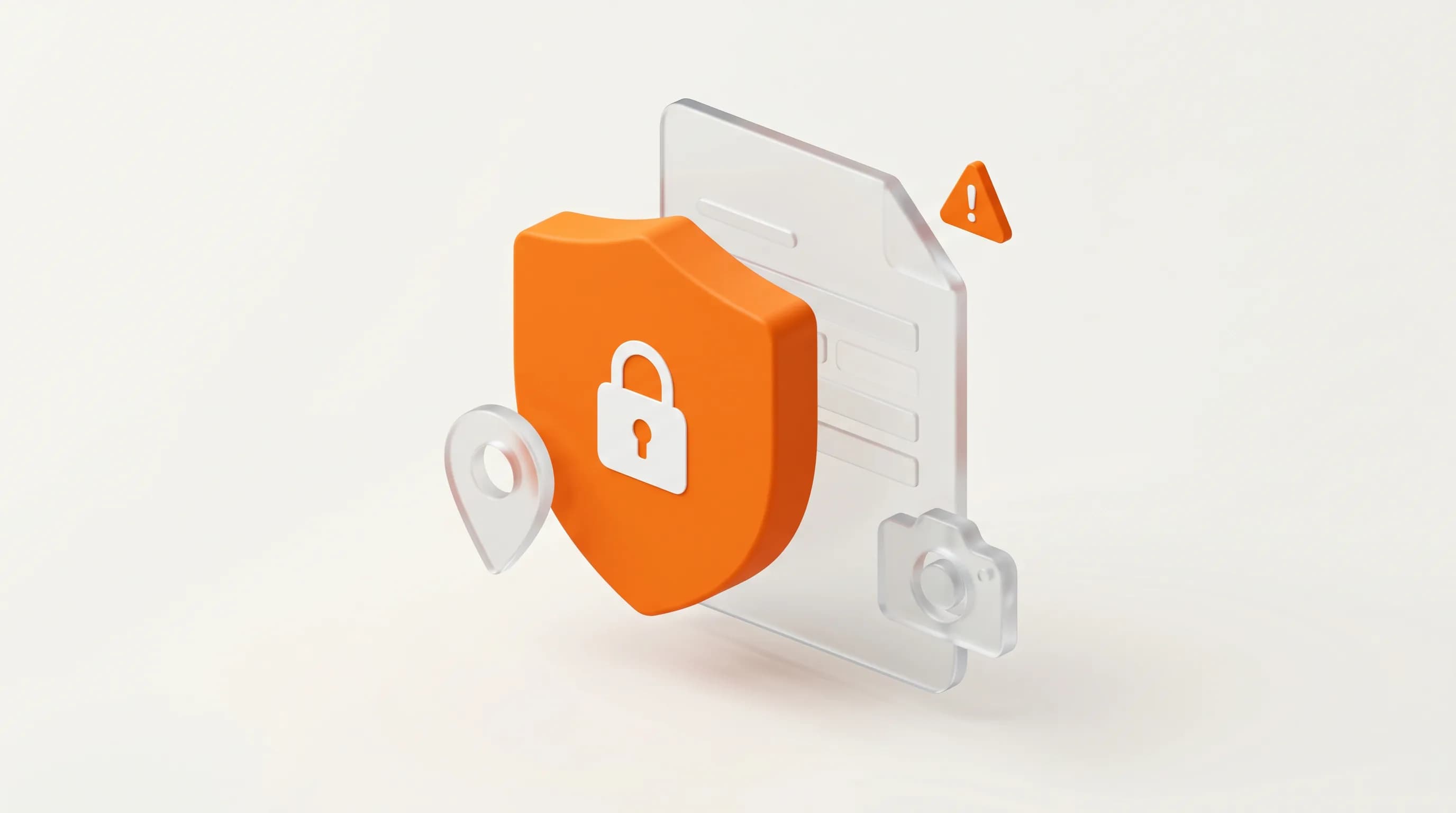
While metadata makes digital files incredibly manageable, it also triggers serious privacy concerns. Because metadata is usually generated automatically and completely out of sight, users frequently broadcast a lot more personal information than they realize.
Consider these common scenarios:
- An innocent photo posted to social media might contain hidden GPS coordinates that reveal your exact home address.
- An emailed Word document can secretly expose the names of internal editors or reveal deleted text from an earlier draft.
- Your browsing metadata, including the sites you visit, precise timestamps, and device identifiers, can build a startlingly detailed profile of your daily habits without anyone ever reading a single message.
Because of this, governments and privacy advocates keep a close eye on how corporations and intelligence agencies collect metadata. For modern businesses, stripping out sensitive metadata before publishing or sharing files is now considered a mandatory data hygiene practice.
Read also: What Is a Keyword? Types, Functions & How to Research Right
Good Metadata Makes Data Easier to Manage
Metadata is far from a tedious technical formality. It is the absolute foundation that keeps your digital content discoverable, organized, secure, and visible to major search engines. Whether you are managing a massive archive of corporate files or running a business website, the quality of your metadata directly shapes how well your data performs.
For business owners and webmasters, optimizing your metadata is one of the highest-leverage actions you can take. A sharply written title tag, a clean meta description, and properly labeled media files can mean the difference between drawing in steady traffic or getting completely buried in search results. The best part is that most metadata improvements are incredibly straightforward to fix once you know where to look.
Proper metadata management shapes exactly how visible your brand is in organic search results. Want to ensure your site is built on the right foundation? Let's talk about future-proofing your digital presence.
Schedule a chat with a SEO Consultant, tailored optimization package that aligns with your exact business needs. Let's talk ➝