Couriers constantly miss your storefront, weekend guests end up stranded in the wrong alley, and frustrated customers give up entirely to choose somewhere else. If we are being completely honest, this happens for one simple reason: your business does not exist on digital maps because you have yet to register a location on Google Maps.
The good news is that you can fix this digital invisibility problem in a matter of minutes if you have an active Google account. Google actively allows anyone to add a residential home, corporate office, or local storefront through its free public contribution ecosystem.
This practical guide breaks down exactly how to add a location on Google Maps using Android devices, iPhones, iPads, and desktop computers. We will also cover insider tips to secure fast algorithmic approvals and the immediate next steps to take once you successfully pin a location on Google Maps.
Why You Should Add Your Location on Google Maps

Securing a spot on the world’s most popular map goes way beyond basic digital visibility. It acts as a massive operational asset that channels high-intent buyers straight to your doorstep.
According to Understanding Local Search Behavior, GCS/IPSOS Surveys UK from Think With Google, 86% of consumers take an action after seeing a location based-ad. Moreover, 47% execute a follow-up action within hours of their search.
Furthermore, based on the Local Consumer Review Survey 2023 from BrightLocal shows that 98% of modern consumers rely on the internet to evaluate local businesses, making map optimization a non-negotiable step for growth.
So, mapping profiles that showcase complete hours, accurate maps, and real photos could definitely drive a massive surge in direct physical foot traffic from local searches.
1. Accurate Navigation for Couriers and Clients
Delivery riders, client partners, and everyday shoppers depend heavily on accurate digital navigation. If your physical site is missing from the map, you are forced to send manual text directions, which naturally leads to human error and missed appointments. Once your profile goes live, you can text a direct link so anyone can route their way to you instantly.
2. Boosting Brand Credibility and Trust
A verified map location makes an unestablished business look instantly trustworthy to the public. Shoppers can easily check that your storefront physically exists before they spend their hard-earned money. Even better, a live profile gives your fans a dedicated place to leave organic reviews, which essentially markets your brand for free.
3. Dominating Local Organic Search
Google Maps serves as the primary gateway for users searching for nearby solutions. Dropping your pin into the correct business category ensures your store populates high-intent regional keywords. For small business owners, this is an effective way to drive steady organic foot traffic without spending thousands of dollars on paid local advertisements.
Read also: Off-Page SEO Best Practices to Optimize Your Website
What to Prepare Before Registering Your Spot

Do not just rush in blindly. Gathering your precise operational details beforehand speeds up Google’s validation checks and dramatically increases your chances of a quick approval.
GOOGLE MAPS SUBMISSION CHECKLIST |
|---|
|
Official documentation shows that fully completed business profiles appear twice as credible to everyday customers. Here is exactly what you need to have sitting on your desktop before you begin.
Required Profile Information
- A Clean Location Name: Use the exact name that people call your business in real life. Avoid stuffing your title with promotional buzzwords like "best," "cheapest," or "nearest." Unnatural names are the number one reason Google automatically rejects map submissions.
- A Precise Physical Address: Note down your full street name, building number, neighborhood district, zip code, and city.
- The Perfect Business Category: Pick one primary category that accurately describes your core operation, such as a specialty cafe, clothing boutique, dental clinic, or corporate headquarters. The category you pick dictates how easily your store ranks for relevant keywords.
- Accurate Map Pin Placement: You want a precise coordinate drop on the grid, not just a rough neighborhood approximation.
- High-Quality Photos: Taking clear snapshots of your storefront exterior, signage, and interior space helps human moderators verify your submission instantly.
How to Add a Location on Google Maps
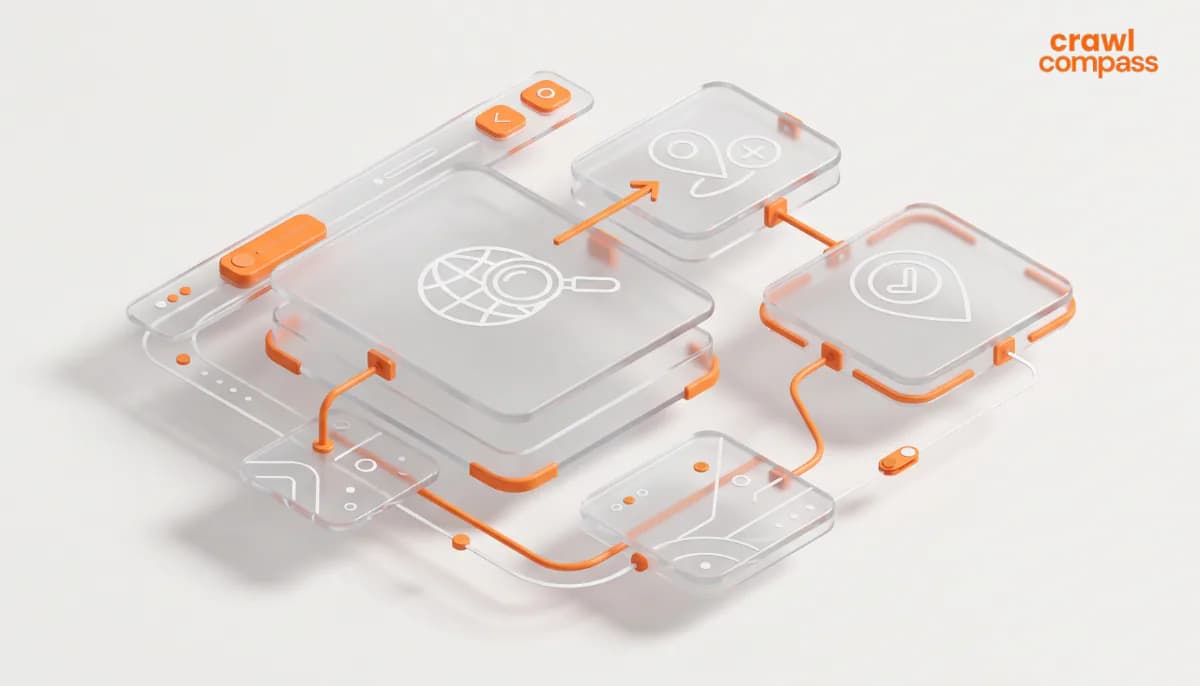
You can submit your digital location coordinates from virtually any modern device. Simply pick the workflow below that matches your current tech setup.
1. The Android Workflow
The most streamlined way to register a location on Google Maps from an Android device is through the app’s native Contribute module.
- Launch the Google Maps application on your Android smartphone or tablet.
- Tap the Contribute icon located on the bottom navigation bar, then select Add a place.
- Alternatively, type your raw address into the search bar, then long-press the screen to pin a location on Google Maps. Tap Add a place from the pop-up menu.
- Fill out the formal submission fields, including your clean business name, exact address, and core category.
- Tap Edit Location on Map to manually drag and center the red pin over your physical entrance.
- Add extra data points like your customer service phone number, website link, and official operating hours.
- Review your spelling carefully, then hit Submit.
2. The iPhone and iPad Workflow
The iOS process mirrors the Android steps closely. Just ensure your app is updated to the latest version via the App Store so you don't run into software lag.
- Open the Google Maps application on your Apple device.
- Search for your street coordinates, or long-press the screen to safely pin a location on Google Maps.
- Swipe up on the information panel that appears at the bottom of your screen.
- Scroll down and select Add a missing place.
- Provide your location name, precise physical address, and the most accurate category tag.
- Tap the map preview thumbnail to adjust the red pin location to your actual building footprint.
- Input your commercial phone numbers or store hours if you want a richer profile.
- Tap Submit in the upper right corner to send your data to Google’s queue.
3. The Desktop Computer Workflow (PC or Laptop)
Using a web browser on a laptop makes it significantly easier to type out detailed descriptions and verify your physical pin placement using a wide satellite view.
- Navigate to the official Google Maps Website in your preferred browser.
- Verify that you are logged into your primary corporate Google account.
- Click the main menu icon, the three horizontal lines sitting in the top left corner.
- Scroll to the bottom of the sidebar menu, click Edit the map, and choose Add a missing place.
- Pan, zoom, and center the digital map screen directly over your physical location.
- Complete the form with your verified business name, address, and primary category.
- Drop in any additional information like website links or operating hours to strengthen your trust signals.
- Click Submit to finalize your request.
Understanding the Map Approval Pipeline
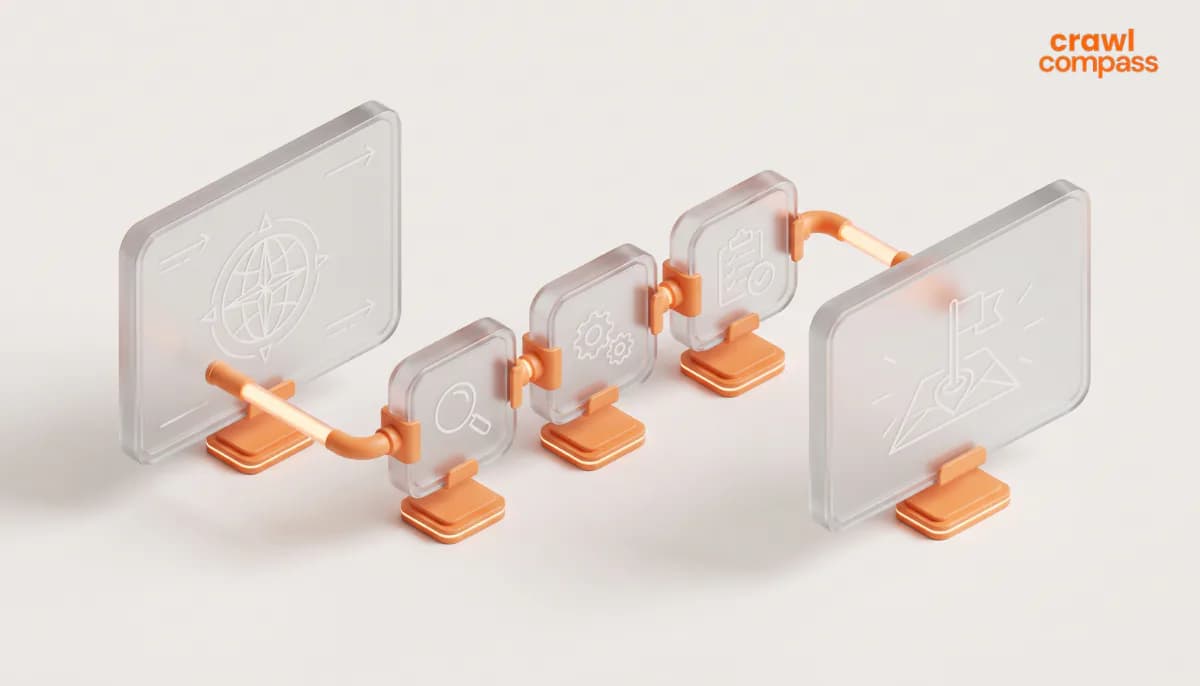
The moment you click submit, your request enters Google's automated moderation system. Here is what to expect next and how to handle potential hiccups.
The Review Timeline
Your new location will not pop up on public screens immediately. Google runs automated security filters and manual human moderation to protect map accuracy and combat directory spam. The review timeline can take anywhere from 48 hours to two full weeks depending on regional submission volumes. You will receive an automated approval status email at the Gmail address tied to your account.
Common Rejections and How to Overcome Them
If your submission gets knocked back, don't panic. Most rejections happen because of minor formatting errors. The most frequent causes include:
- The business title contains promotional keywords or spam descriptions.
- The red pin sits on a public road instead of a verifiable building structure.
- The selected category does not match your business operations.
- The address string is incomplete or contradicts existing municipal data.
To fix a rejection, simply head back into your contribution history inside the app, edit the problematic field, and submit the clean data for another review round.
The Next Step: Claiming Your Google Business Profile

Successfully pinning your business on the map is a solid first step, but it only gives you a basic listing. To unlock your true local search potential, reply to customer reviews, upload fresh promotions, and track user search analytics, you must formally claim your digital asset.
To do this properly, search for your newly approved location on the map, click the button labeled Claim this business, and follow the verification prompts. This transforms your basic map point into an effective marketing engine.
If navigating local citation building, map verification loops, and technical optimization strategies feels overwhelming while trying to run your daily operations, let the team at Crawl Compass handle the heavy lifting.
Tips to Get Your Location Approved Faster on Google Maps
While Google does not provide an official, guaranteed timeline for submissions, there are steps you can take to improve your chances. Following these proven formatting rules speeds up verification loops and keeps your data clean.
- Stick to a Clean, Natural Name: Use the real-world name of your property or store. Do not try to game the system by stuffing promotional buzzwords or city names into the title field.
- Pinpoint Your Exact Grid Coordinates: Zoom all the way into the satellite view during your setup. Place the red marker directly over your physical front door rather than leaving it sitting vaguely in the center of the street.
- Select the Absolute Best Primary Category: Choosing one highly accurate primary category is infinitely better than selecting four loose matches. The core category anchors your entire local search identity.
- Max Out Your Profile Information Fields: Do not leave blank fields. Providing a verified phone number, exact physical address, and official operating hours proves to automated filters that your location is legitimate.
- Upload Unedited Storefront Photos: This is the ultimate hack for fast validation. A clear, daylight photo of your building exterior, corporate signage, or interior reception desk helps human moderators approve your submission instantly.
- Avoid Submitting Duplicate Requests: Pounding the submit button multiple times will not make Google work faster. In fact, sending rapid, duplicate requests for the exact same physical coordinates will instantly flag your Google account as a spam bot.
How to Optimize Your Location After Going Live

Now that you have successfully registered your location on Google Maps, let’s figure out how to transform a basic map point into an organic lead-generation asset. Here’s how to manage your profile data over time.
1. Maintain an Active Information Loop
Your mapping profile should match your real-world operations perfectly. If your company rolls out holiday hours, shifts phone lines, or updates its web domain, edit those details inside your dashboard immediately. Consistently updating your profile metadata signals to Google’s crawl spiders that your business is highly active and operational.
2. Monitor Reviews and Address User Questions
The moment your pin goes live to the public, customers can openly rate your business and ask public questions.
Insight from Understanding Local Search Behavior, GCS/IPSOS Surveys UK from Think With Google states that reviews are searched by around 48% of smartphone users and 70% of computer/tablet users before purchases.
Actively responding to every review, especially critical or negative feedback, shows the community that you care about real experiences.
Read also: The Geotagging Blueprint for Local SEO Rankings
Being Listed on Google Maps Does Not Guarantee You Will Be Found
Learning how to add a location on Google Maps means you can take control of your basic mapping coordinates in under five minutes. All you really need is an active Google account, accurate address data, and a smartphone or laptop.
However, for business owners, simply sitting on the digital grid does not mean you will magically attract premium customers. How often and how prominently your storefront populates local search results depends entirely on the long-term local SEO strategy you execute post-launch. Getting listed and dominating local pack search results are two completely different challenges.
If you want your website to do more than just exist on a map, the Local SEO Services from Crawl Compass are built to drive measurable results. From advanced geo-targeted content strategies to high-authority local citation building, we turn your map pins into revenue engines.
Ready to claim the top spot in your local market? Get in touch today!